Why You Should Protect
Your Windows Data
Most organizations focus on backing up servers while overlooking the individual workstations where employees spend their days creating value. This leaves companies open to vulnerabilities from hardware failures and cybercriminals. Workstations store irreplaceable files, institutional knowledge and configurations that are difficult to recreate. Our dedicated Windows workstation backup solution provides complete protection with fast recovery.

Extended Downtime Impact
Organizations without proper workstation backup face prolonged recovery times. Every hour of downtime directly reduces productivity and revenue, especially for teams managing large datasets or handling sensitive client information.

Ransomware Vulnerability
Average recovery from ransomware attacks can take weeks. Effective protection requires immutable, offline backups that threat actors cannot delete or modify, even if they compromise primary systems.

Compliance and Liability Risk
Many industries mandate proof of data protection and recovery capabilities. Without documented backup procedures for workstations, organizations face compliance violations, audits, and potential legal liability.

Critical Data Loss
Workstations store months of project work, intellectual property, and configurations. Without dedicated backups, this data becomes permanently lost during hardware failures or accidental deletion, with no reliable recovery path.
Product Overview
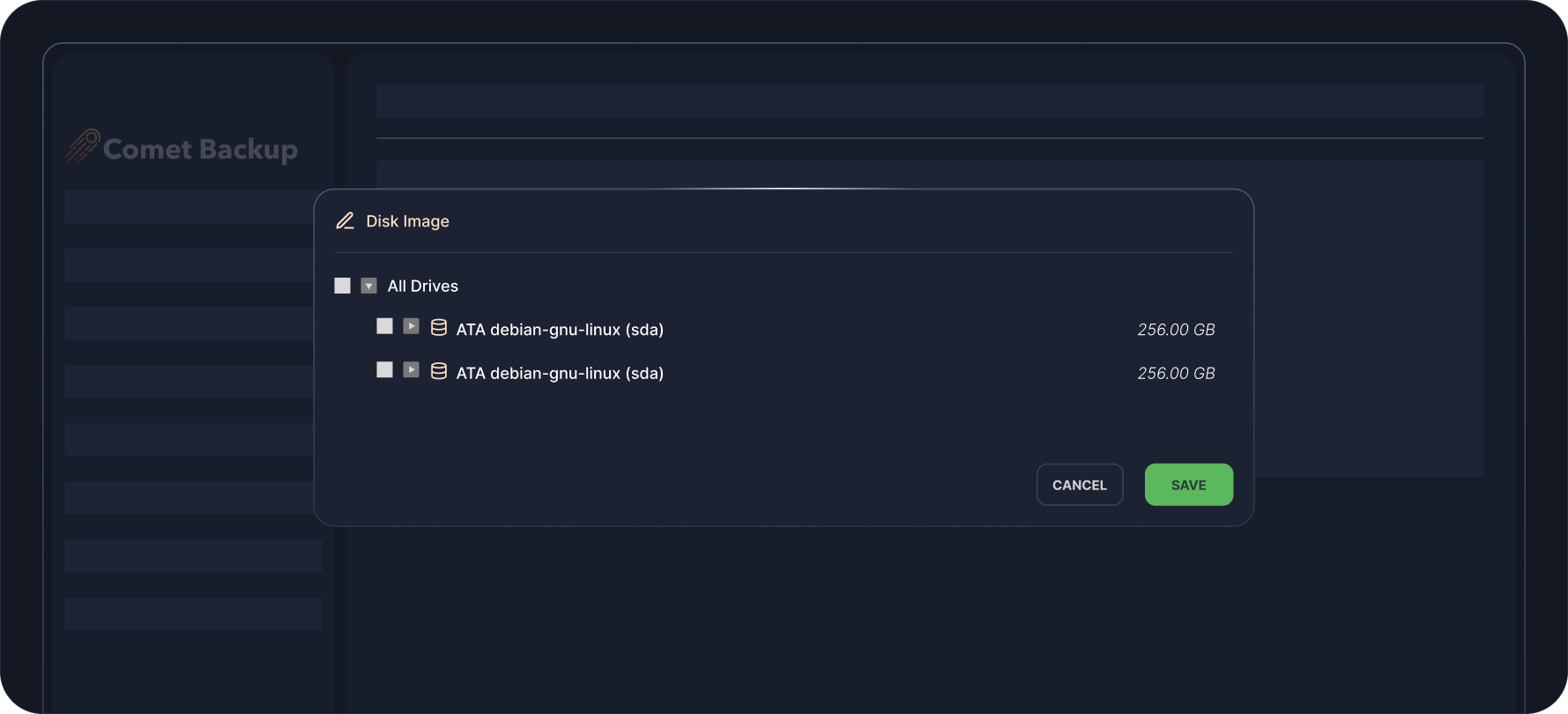
Disk Image item selection wizard
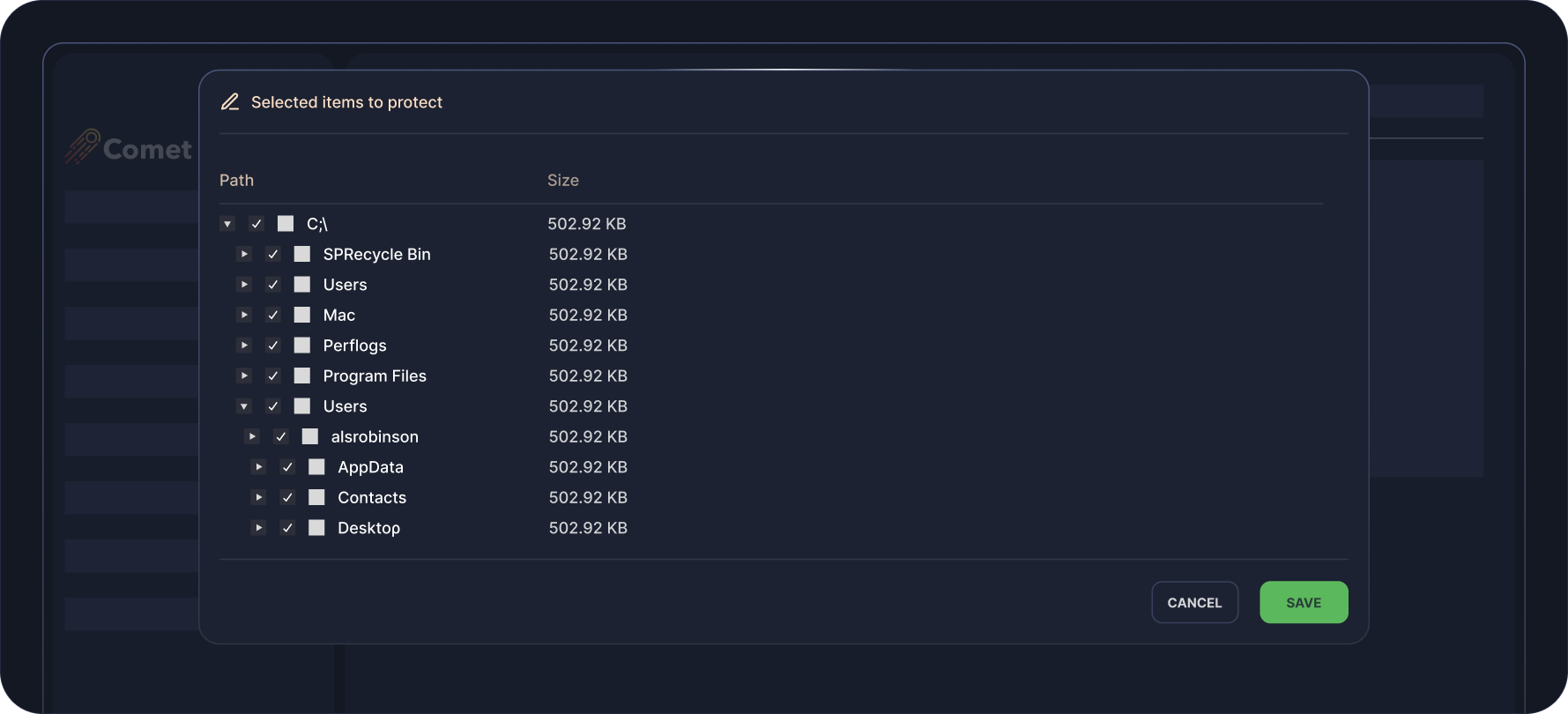
File and Folder item selection window
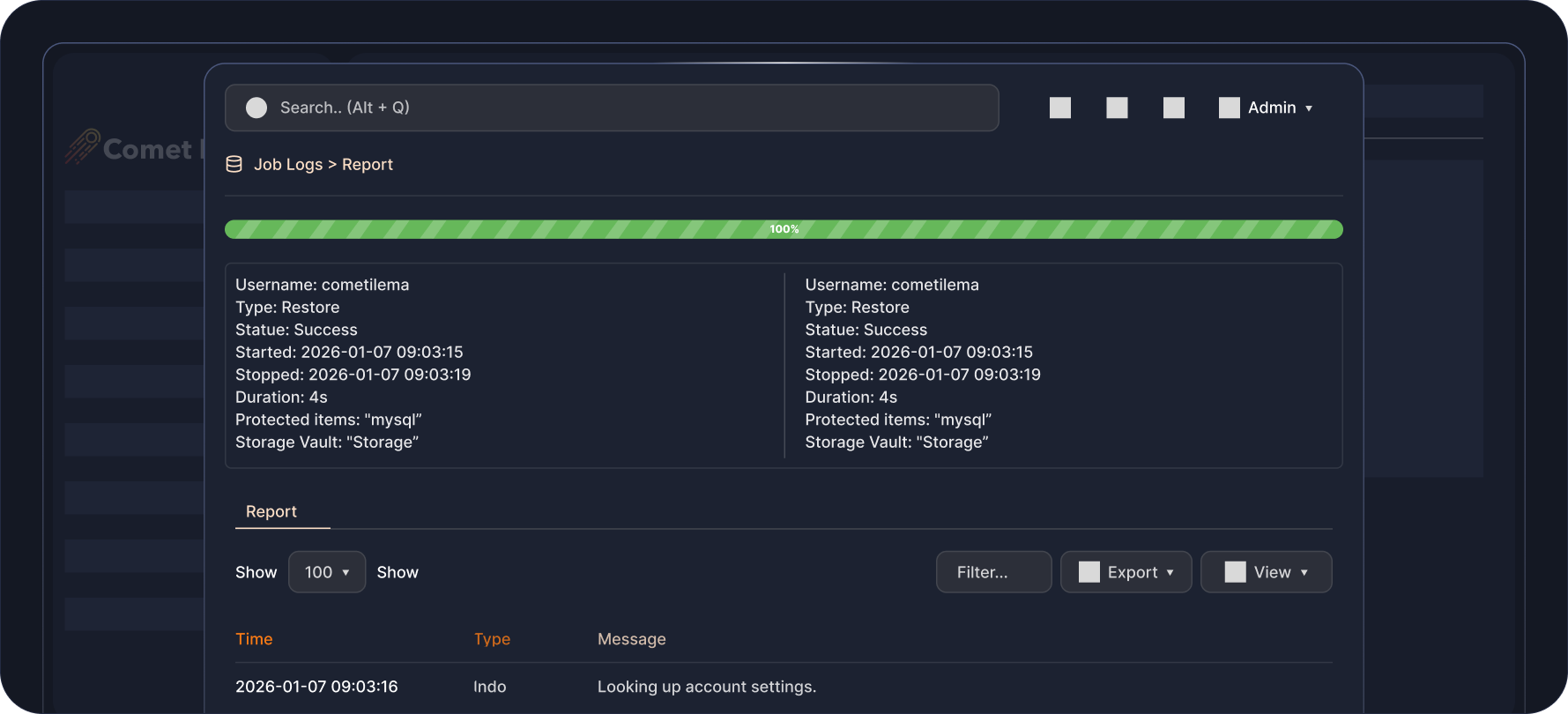
Successful Disk Image backup job log
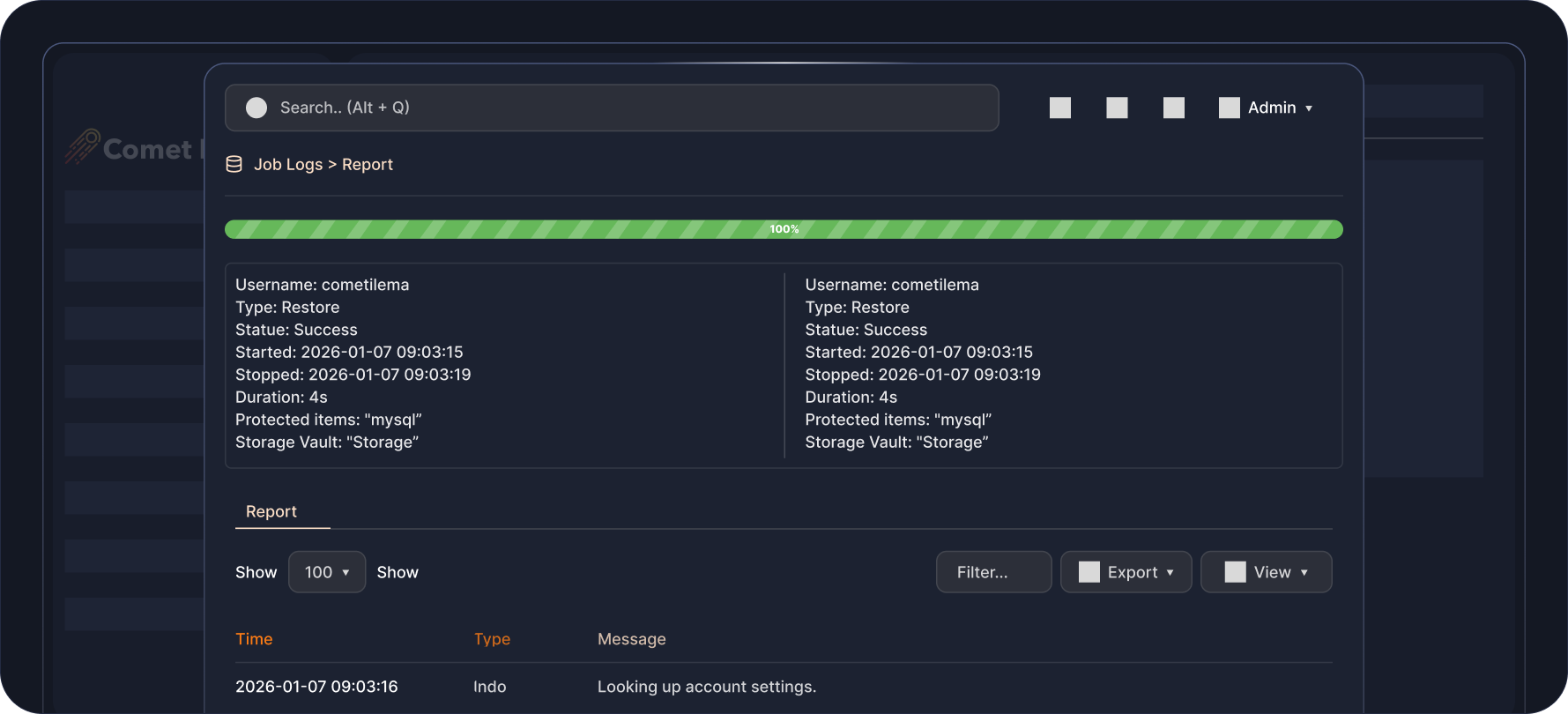
File an Folder job log showing file size, duration, etc
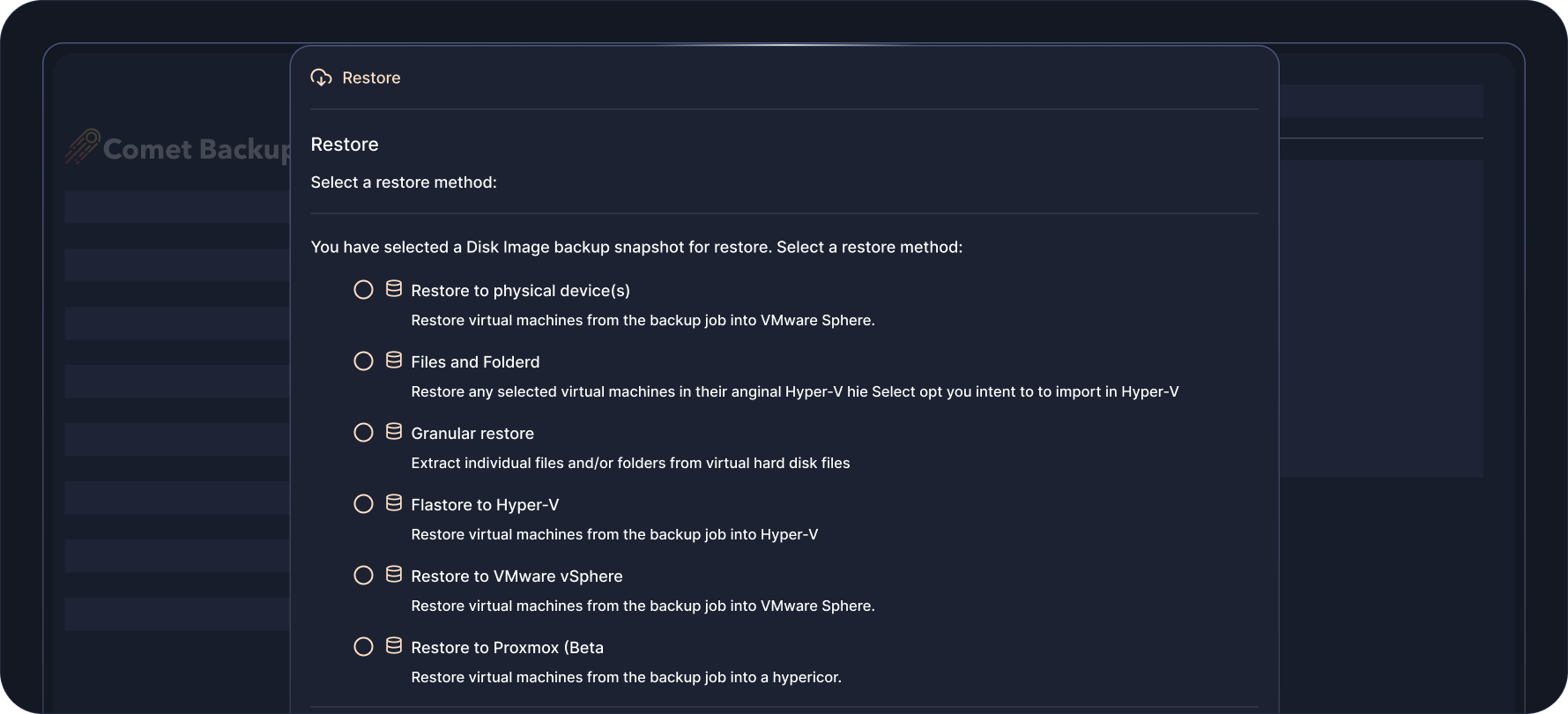
Disk Image create a recoverable media (only available on client interface)
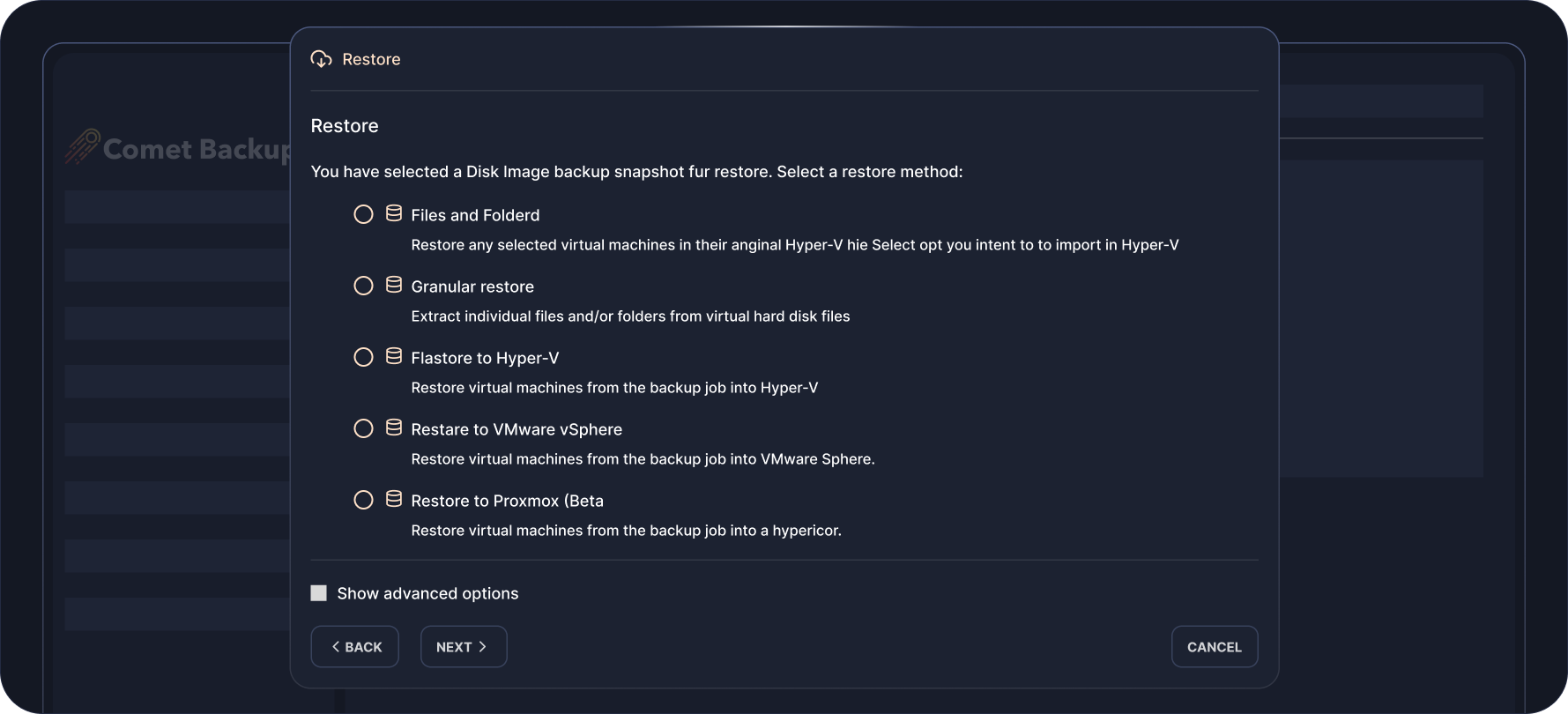
Disk Image Restore options
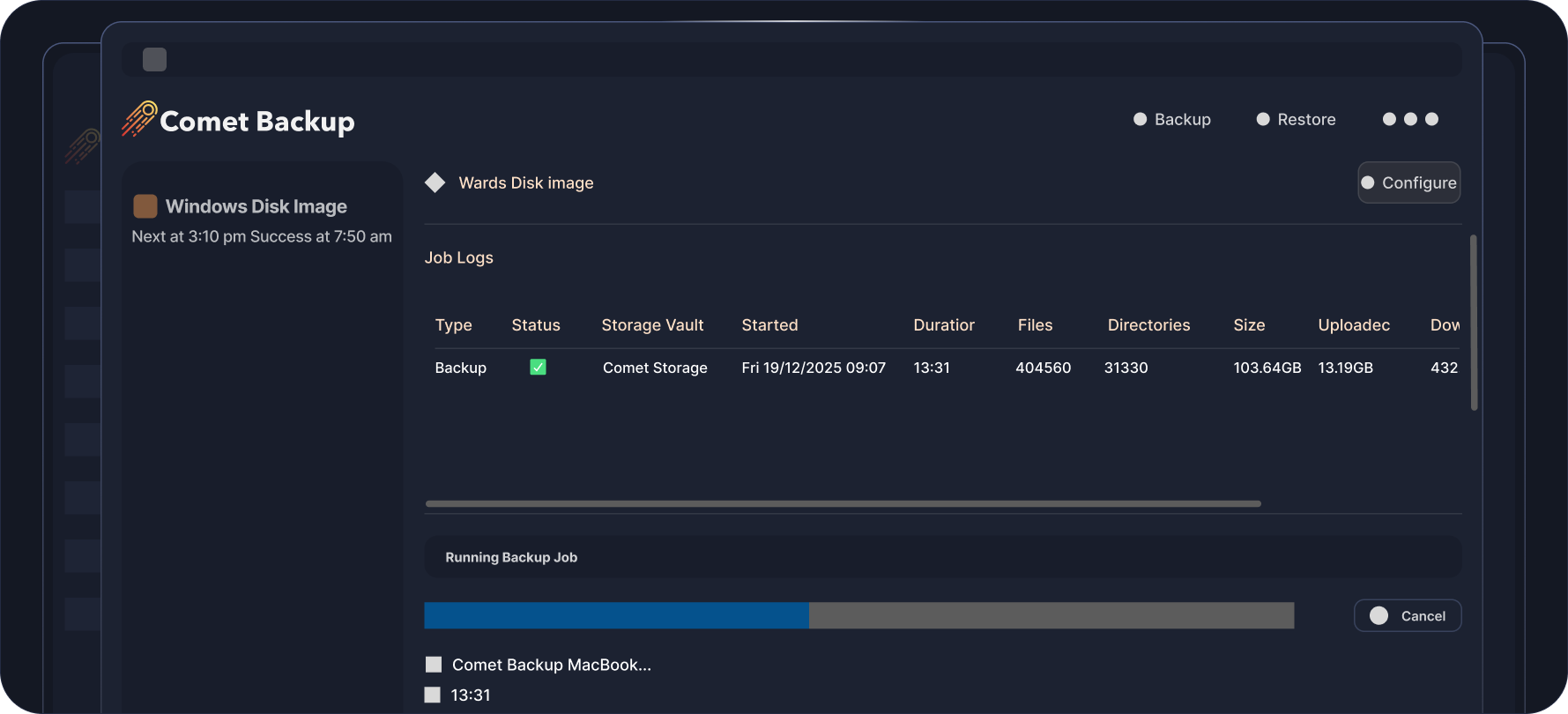
Disk Image Job running on agent (optional)
Full Image Windows Backups for
Complete System Protection
Comet Backup offers powerful full Disk Image backup functionality, enabling complete system protection for Windows and Linux platforms. Unlike traditional file-level backups that capture only selected data, a Disk Image backup protects your entire system, including the operating system, applications, settings, and partitions, ensuring fast and reliable disaster recovery.
Full-System Protection
Capture a complete snapshot of your machine, so you can restore everything exactly as it was, from boot records to installed programs.

Bare-Metal Restore
Recover an entire system from scratch onto new hardware or a virtual environment without needing to reinstall the OS.

Flexible Recovery Options
Restore entire drives, or use granular restore options to recover individual files and folders to access key data quickly in a disaster scenario.

Business Continuity
Minimize downtime by quickly restoring mission-critical systems after hardware failure, ransomware, or accidental deletion.
Full-System Protection
Capture a complete snapshot of your machine, so you can restore everything exactly as it was, from boot records to installed programs.
Bare-Metal Restore
Recover an entire system from scratch onto new hardware or a virtual environment without needing to reinstall the OS.
Flexible Recovery Options
Restore entire drives, or use granular restore options to recover individual files and folders to access key data quickly in a disaster scenario.
Business Continuity
Minimize downtime by quickly restoring mission-critical systems after hardware failure, ransomware, or accidental deletion.


File and Folder Backups for
Quick Windows Data Recovery
Comet Backup makes it simple and reliable to protect important data at the files and folders level across Windows, Linux and macOS systems, giving users precise control over what they back up across multiple operating systems. This backup type is ideal for ensuring critical documents, media, and configuration files are always safe without the need to capture an entire system image.
Granular Control
Choose exactly which files and directories to include or exclude for optimal performance and storage efficiency.
Cross-Platform Support
Unified backup experience for all major operating systems including Windows, Linux and macOS.
Incremental Forever Backups
After the first run, only changed or new files are uploaded, reducing bandwidth usage and speeding up backup times.
Fast Recovery
Restore individual files or entire folders within minutes, either to their original location or an alternate destination.
Flexible Pricing That
Scales With You
Pay only for what you use. Add licenses and storage as your business grows.

Professional
Starting from $49 USD / monthBest for: Growing MSPs or larger IT teams.
All-in-one cloud solution to back up your data. No infrastructure requirements.
-
 1 Comet-Hosted Management Console License included
-
Starting at $2 / endpoint / month
-
Backup to cloud storage
-
Automatic startup & maintenance
-
No hardware required

Advanced
Starting from $99 USD / monthBest for: Backup resellers, VARs, or MSPs at scale.
Versatility for backup deployments across multiple environments with varying requirements.
-
5 Management Console Licenses included (Comet-Hosted and/or Self-Hosted)
-
Starting at $2 / endpoint / month
-
Backup to cloud or on-prem storage
-
Advanced security controls & access controls
-
Audit logging

Enterprise
Contact us for pricingDo you have custom backup requirements?
Talk to us for a comprehensive solution that meets your needs at scale.
-
Management Console Licenses based on enterprise volume
-
Endpoint pricing based on enterprise volume
-
Backup to cloud or on-prem storage
-
Advanced security controls & access controls
-
Audit logging
-
Air-Gap Management Console licensing option
Enterprise
Contact us for pricingDo you have custom backup requirements?
Talk to us for a comprehensive solution that meets your needs at scale.
-
Management Console Licenses based on enterprise volume

Watch It In Action
FAQS
Comet backs up files, folders and system image on Windows workstations, ensuring business-critical documents, files, and system data are restorable for business continuity.
Comet supports different restore types for Files and Folders as well as Disk Image backups, such as granular restore of files and folders for quick recovery of specific items, or a full image restore, among others.
Yes. The Management Console is your single-pane-of-glass console, allowing you to configure devices and backup settings remotely from a web interface, as well as monitor backup statuses and initiate restores.
Comet supports storage destinations such as cloud storage (Comet Storage, Wasabi, Google Cloud), on-prem and off-site storage. Click here to find out more.
Comet supports Windows 7 or newer version of Windows. Check out the hardware requirements here.
RESOURCES



ready for take off?

Sign up for our free 30 day trial