Why Choose The Comet
Self-Hosted Management Console
Comet’s self-hosted backup solution gives IT teams and service providers full ownership of their backup environment, with enterprise-level scalability and flexibility. Run backup management on-premises or in your private cloud to meet security, compliance, and data sovereignty requirements.

Fully Self-Hosted Backup Architecture
Run your backup management platform entirely on infrastructure you own and control. This self-hosted backup approach gives you complete authority over configuration, access, and compliance policies.

Secure, Customizable Backup Operations
Design backup workflows that align with your internal security and operational standards. Control update schedules, authentication methods, and automation processes while keeping your self-hosted backup environment hardened and compliant.

Flexible Storage for Self-Hosted Backups
Store backup data wherever your requirements demand, including on-premises storage, private cloud, or S3-compatible providers such as AWS, Azure, Google Cloud Storage, Wasabi, and Backblaze B2. Maintain full control over data location, retention, and costs.

Seamless Integration with Your Existing Stack
Integrate self-hosted backup management with your existing authentication, monitoring, billing, and automation tools. Fit backup operations directly into your current infrastructure without re-engineering workflows or relying on third-party platforms.
Product Overview
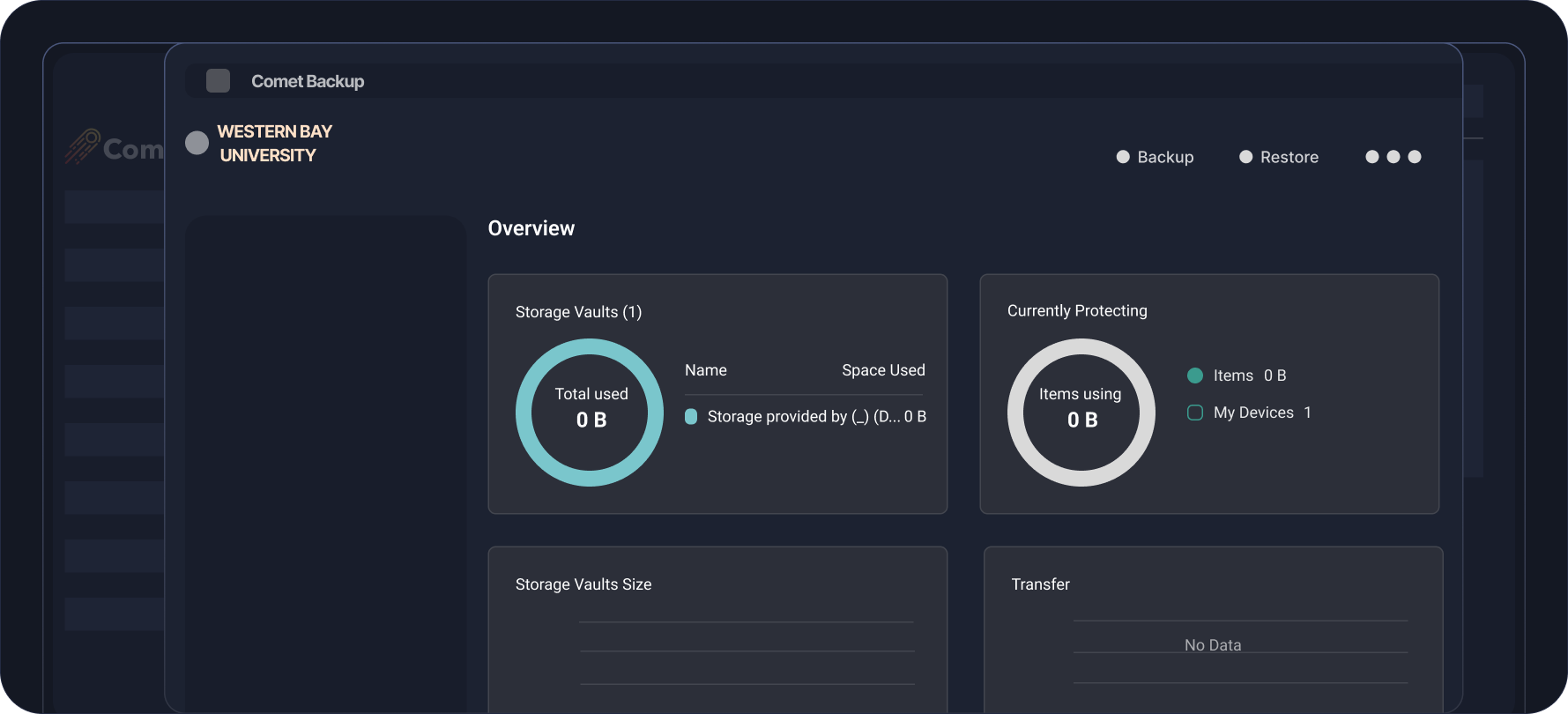
Manage all your backups from a central self-hosted management console
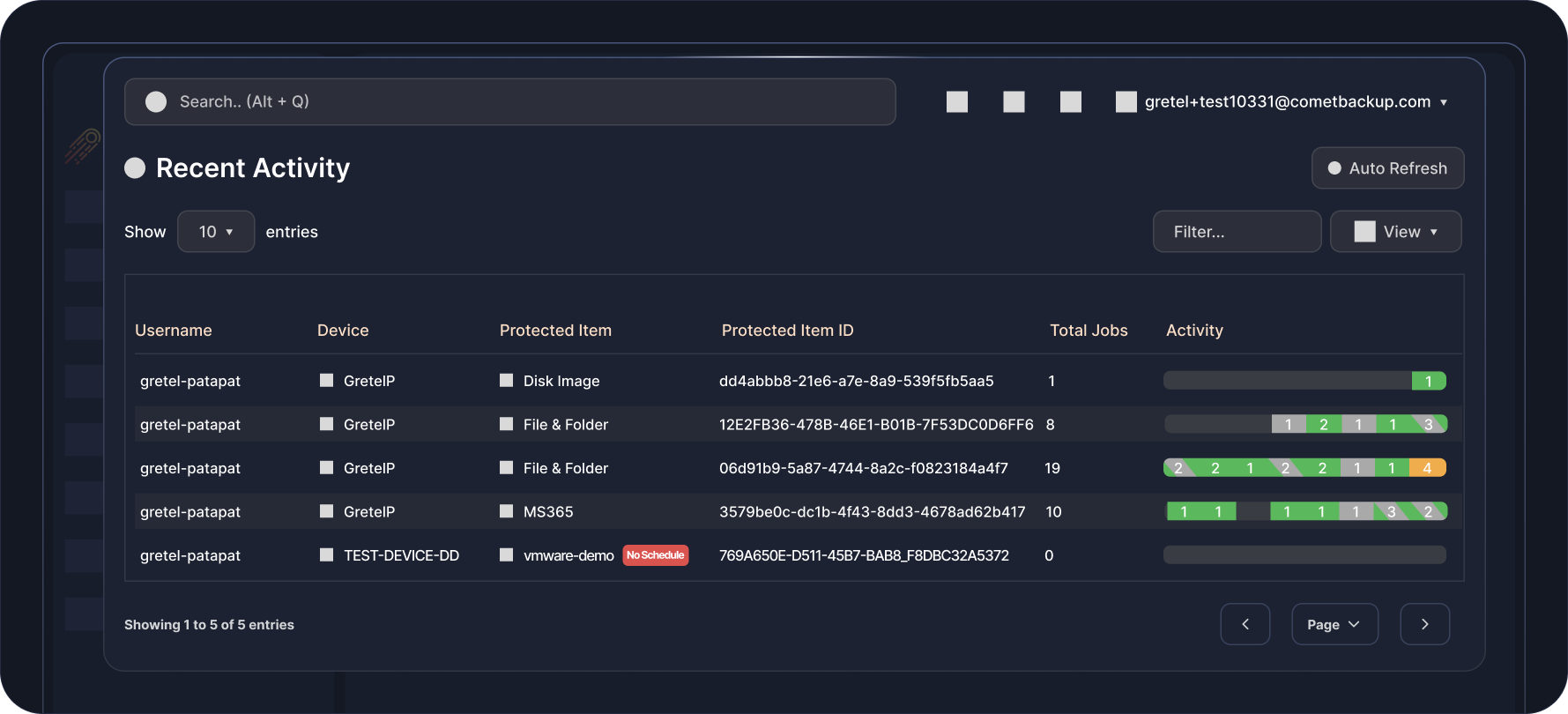
Monitor all your backups at a glance
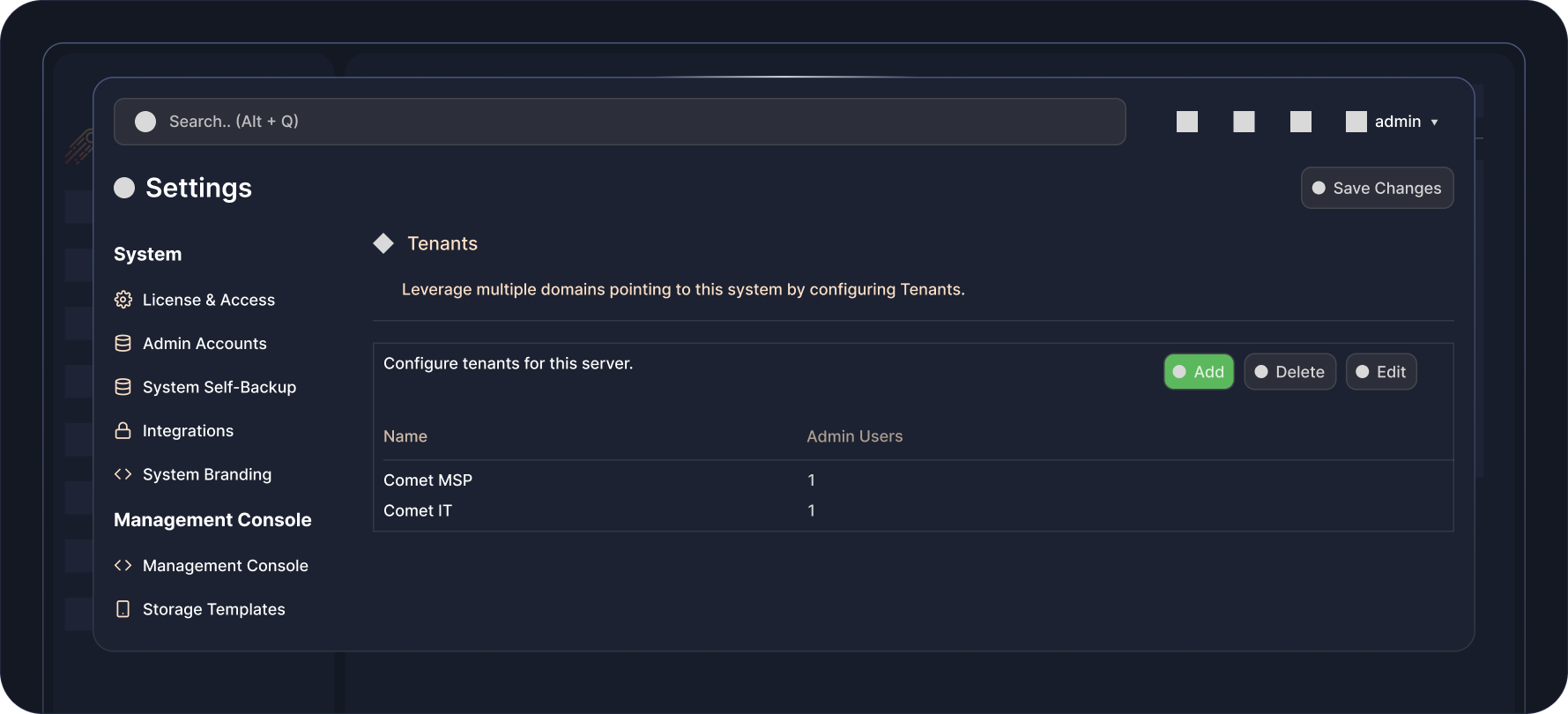
Create tenanted admin accounts, ideal for reselling
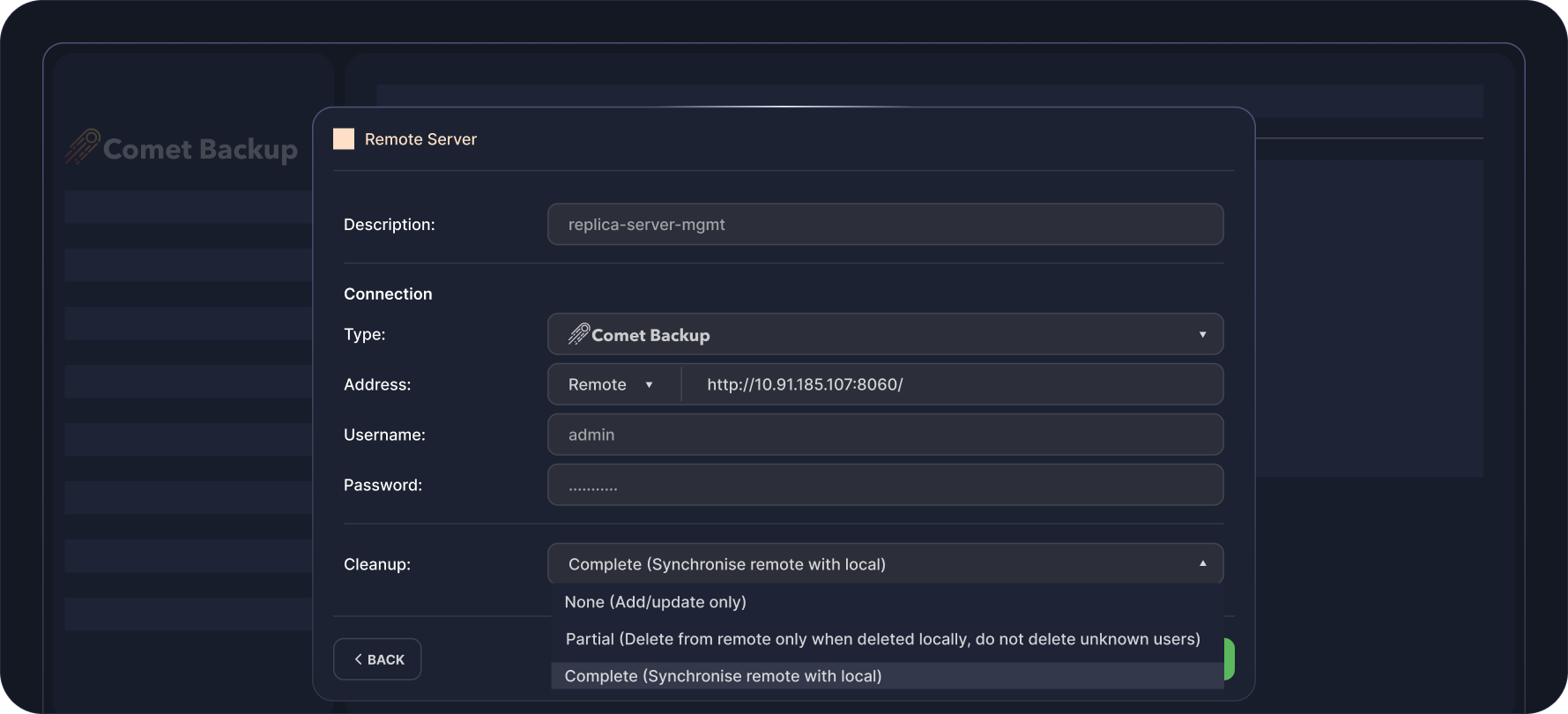
Replicate on-prem storage to another storage location
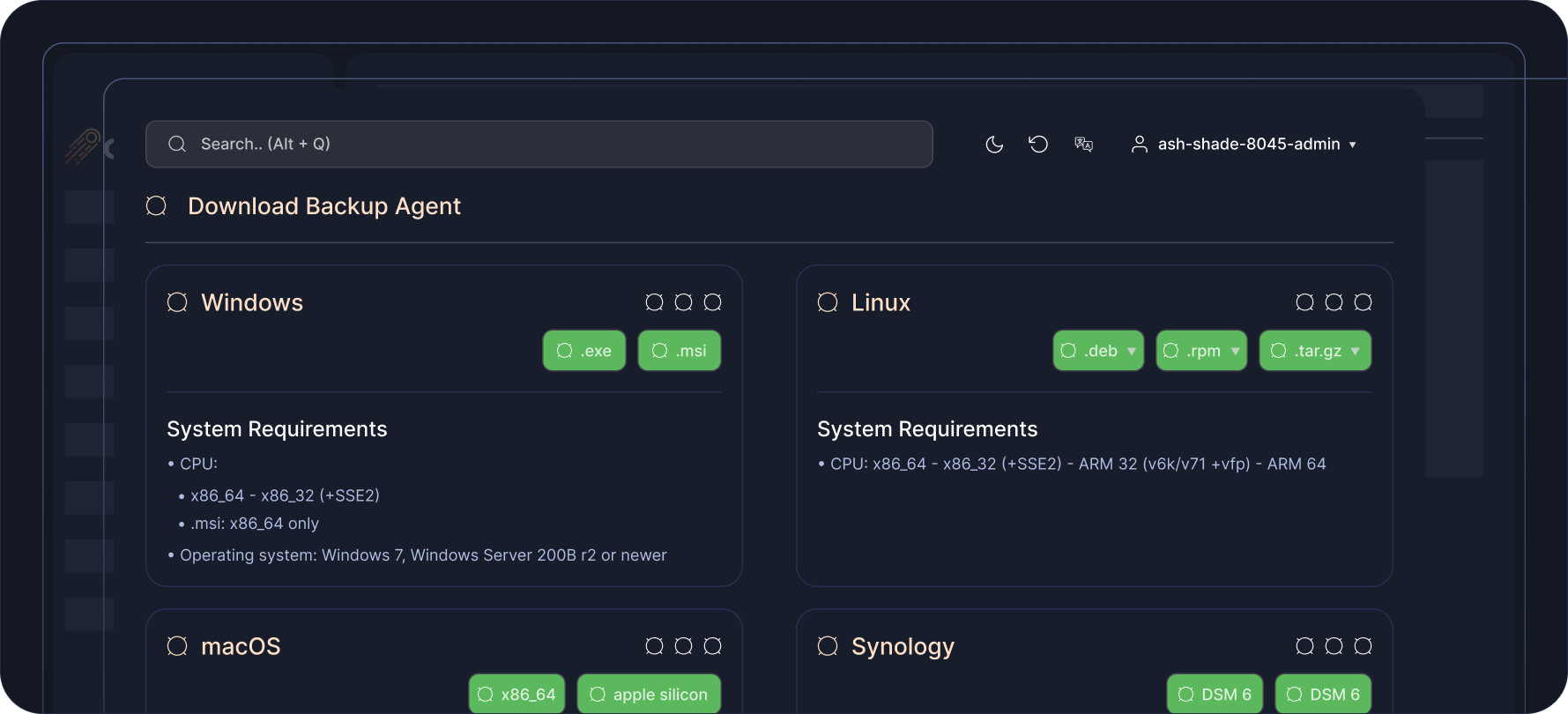
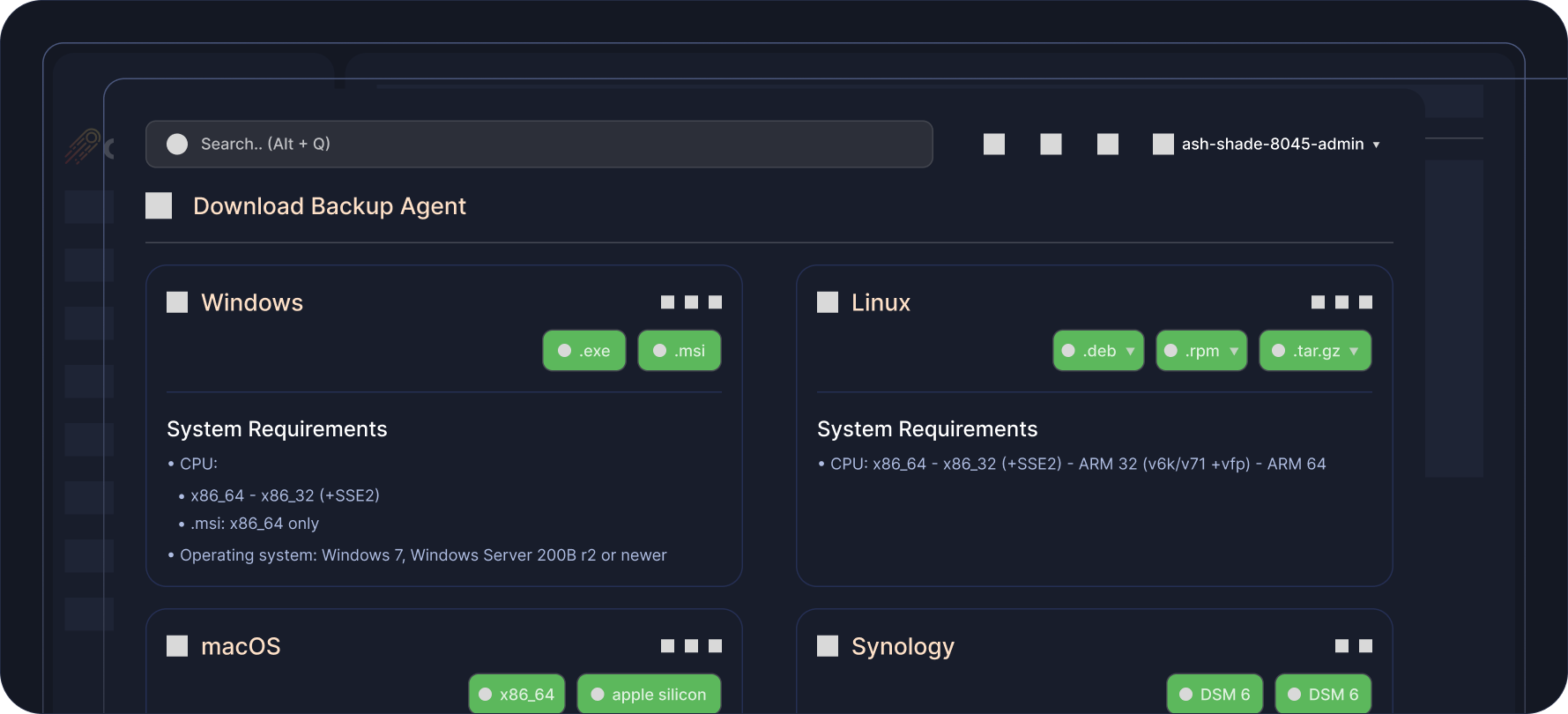
Unified agent available for Windows, Linux, MacOS and Synology
Fully re-brand and while-label Comet Backup
Flexible Pricing That
Scales With You
Pay only for what you use. Add licenses and storage as your business grows.

Professional
Starting from $49 USD / monthBest for: Growing MSPs or larger IT teams.
All-in-one cloud solution to back up your data. No infrastructure requirements.
-
 1 Comet-Hosted Management Console License included
-
Starting at $2 / endpoint / month
-
Backup to cloud storage
-
Automatic startup & maintenance
-
No hardware required

Advanced
Starting from $99 USD / monthBest for: Backup resellers, VARs, or MSPs at scale.
Versatility for backup deployments across multiple environments with varying requirements.
-
5 Management Console Licenses included (Comet-Hosted and/or Self-Hosted)
-
Starting at $2 / endpoint / month
-
Backup to cloud or on-prem storage
-
Advanced security controls & access controls
-
Audit logging

Enterprise
Contact us for pricingDo you have custom backup requirements?
Talk to us for a comprehensive solution that meets your needs at scale.
-
Management Console Licenses based on enterprise volume
-
Endpoint pricing based on enterprise volume
-
Backup to cloud or on-prem storage
-
Advanced security controls & access controls
-
Audit logging
-
Air-Gap Management Console licensing option
Enterprise
Contact us for pricingDo you have custom backup requirements?
Talk to us for a comprehensive solution that meets your needs at scale.
-
Management Console Licenses based on enterprise volume

Watch In Action
FAQS
Comet runs on a client-server model. Comet’s Management Console is required to manage user accounts, as well as configure backup and device settings.
To get started with Comet Backup, your first step is to select and set up a Comet Management Console, either Comet-Hosted or Self-Hosted, to register devices to be backed up.
Maintaining the Self-Hosted Console requires some technical knowledge including:
-
SSL certificate and networking skills
-
Windows and/or Linux server experience
-
Knowledge about server hardware and bottlenecks
-
Best practices for upgrade paths and risk tolerance
With Comet, you choose where your data is stored. With Self-Hosted, you can back up to:
-
Comet Storage, a bundled Wasabi storage offering
On-prem storage is fully supported on the Self-Hosted option through Storage Gateway. Among other benefits, Storage Gateway allows users to scale easily and to replicate storage to a secondary location.
All backup and restore functions are carried out by the Comet Backup client.
Since the bulk of the backup and restore operations happens on the client side, the Comet Management Console is freed up to accommodate a huge number of users and up to several thousand devices.
Check out the requirements to self-host your Management Console here.
The Comet Management Console has the capacity to manage hundreds of users and several thousand devices. In most cases, there is no need to spin up more than one Comet Management Console, unless storage replication needs to be set up, which would require another Comet Management Console to be set up as the replication destination.
However, customers can still back up to multiple storage destinations without replication by simply setting up more than one backup schedule and directing each to a different storage location.
This has the added advantage of not replicating any errors that might occur in the primary storage location to the secondary storage location.
Yes. Comet Self-Hosted gives you control over where data is stored and who can access it, which can meet strict regulatory requirements like HIPAA.
RESOURCES





ready for take off?

Sign up for our free 30 day trial